How to complete Melbet sign up with promo code HOTGAME and claim the welcome bonus
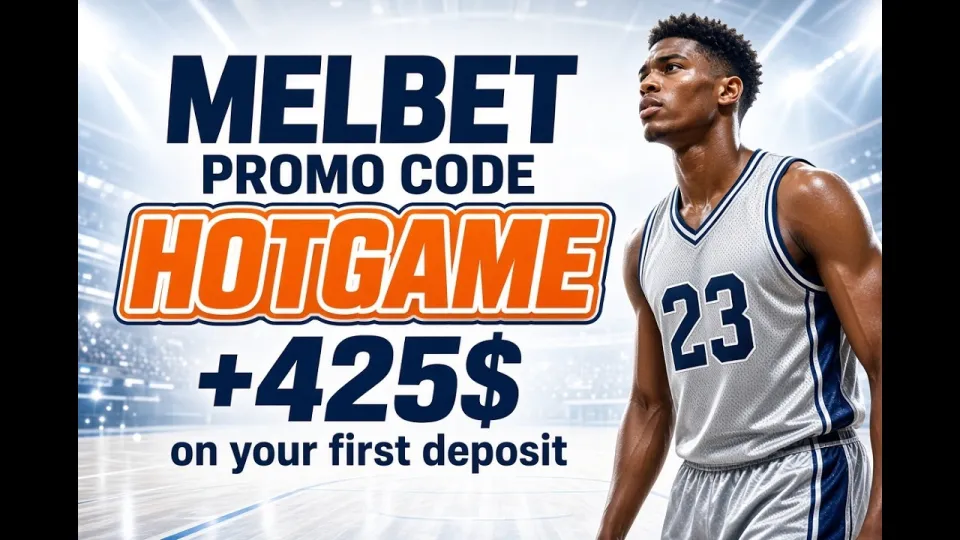
Video: Melbet Sign Up with Promo Code HOTGAME: What to Enter and Where
· based on the channel DreamRush
To complete Melbet sign up with promo code HOTGAME, open the registration form on the Melbet site via the HOTGAME registration and bonus page, choose your country and currency, enter your phone number or email, create a password, and type HOTGAME into the promo code field before you confirm the account. The code is advertised as adding +425$ to the first deposit, and it only works if it is entered during registration or in the bonus field before the deposit is made.
What the HOTGAME promo code does on Melbet
HOTGAME is a welcome bonus code, not a login credential or a password. According to the DreamRush breakdown, the code is tied to the first deposit: the advertised figure is +425$ on top of the amount you fund the account with, credited as bonus funds rather than withdrawable cash. That means the code changes the size of your starting balance, not the odds, the markets or the payout rules of the sportsbook.
A few practical points about how such codes behave:
- The bonus is applied once per account, and usually once per person, address, phone number and payment method.
- The code must be in the system before the deposit is confirmed; adding it afterwards generally does nothing.
- Bonus funds normally come with wagering conditions, so the bonus and any winnings from it are released only after the required turnover is met.
- The exact percentage and cap can change with the offer, so check the current terms on the page where you register rather than relying on a figure from an older screenshot.
Step-by-step Melbet registration with the code
Registration on Melbet is a single form, and the promo code field sits inside it, which is why the order of clicks matters. Work through it in this sequence:
- Open the Melbet site through the HOTGAME link so the bonus page and the registration form are the ones tied to the offer.
- Select your country of residence. This determines the currency options and the payment methods you will see later.
- Choose the account currency. It cannot be changed after registration, so pick the one you actually deposit in.
- Choose the registration method: by phone number in one click, by email, or through a social network or messenger profile. The email route gives you a full set of details to fill in.
- Create a password and confirm that you are of legal age in your jurisdiction.
- Find the field labelled promo code, bonus code or entered promo code and type HOTGAME exactly as written, in capitals, with no spaces.
- Confirm registration, then log in and open the deposit page to make your first payment.
If you registered without the code, the usual fallback is the bonus or promo code section inside your account settings or on the deposit screen, but it has to be applied before the deposit, not after.
Where the code goes and what the form asks for
The promo code field is part of the registration form itself, usually placed near the bottom, below the password and above the confirm button. It is a short text input, not a checkbox, so you type the code manually or paste it. On mobile, the same field appears in the app's registration screen; the layout is compressed, so scroll to the end of the form before tapping the confirm button, otherwise the field is easy to skip.
The form itself asks for a small set of details: country, currency, phone number or email address, password, and sometimes a preferred bonus type (sports or casino). Nothing else is required at this stage. Full verification, including identity documents, is normally requested later, at the first withdrawal, so the data you enter at registration should match your real documents.
Common problems when entering the promo code
Most failed bonus claims come down to timing or typing, not to the code itself. The recurring issues reported by viewers of the guide are worth checking one by one:
- The code was typed in lowercase or with an extra space, and the field rejected it. Use capitals: HOTGAME.
- The account was created without the code and the deposit was made first. In that case the welcome offer is normally lost for that account.
- The deposit was made with a payment method excluded from the promotion, or below the minimum amount stated in the terms.
- The player already had an account, or a close relative at the same address had claimed the offer, which triggers the one-bonus-per-household rule.
- The bonus was credited but appears as bonus balance, and the player expected withdrawable cash. Bonus funds are released only after the wagering requirement is met.
If the code is accepted but no bonus appears after the deposit, the first step is to check the bonus history in the account and then contact support with the deposit reference, rather than registering a second account, which is against the rules.
Melbet account setup after registration
Registration is only the first half of the job; the account has to be configured before betting is comfortable. After the first login, set the odds format (decimal, fractional or American), the time zone and the language in the settings menu, and enable two-factor authentication if it is offered for your region. Then complete the profile fields the bookmaker asks for, since missing data blocks withdrawals later.
Deposits and withdrawals are handled in the cashier section, where the available methods depend on your country and currency. Before staking anything, read the bonus terms attached to the HOTGAME offer: minimum odds per bet, the wagering multiplier and the time window are all listed there, and they decide whether the bonus is realistic for your style of betting. Keep the deposit receipt until the bonus is credited.
Summary
The HOTGAME code is a small detail with a large effect: it is typed into the promo code field of the Melbet registration form, before the first deposit, and it is advertised as adding +425$ to that deposit. Get the order right — country, currency, contact details, password, code, then deposit — and the welcome offer is applied automatically. The DreamRush channel covers exactly this sequence in its short video breakdown, including where the field sits on the page. To start, use the HOTGAME registration link and check the current terms before funding the account.
Key takeaways
- Promo code HOTGAME is entered in the promo/bonus code field during Melbet registration, not after the account is created.
- The code is advertised as giving +425$ on the first deposit, according to the DreamRush guide and its pinned comment.
- Registration is a single-page form: country, currency, phone or email, password and the promo code field.
- Only one welcome offer per player, per address and per payment method is normally allowed.
- A bonus code must be applied before the deposit is confirmed; it cannot be added retroactively.
Questions & answers
Do I enter the HOTGAME promo code before or after creating the Melbet account?
During registration, in the promo code field of the sign-up form. If you create the account without it, the code can sometimes be added in the bonus section before the first deposit, but it cannot be applied after the deposit is confirmed.
Is HOTGAME a login or a password?
No. It is a promotional bonus code only. Your login is the phone number or email you registered with, and the password is the one you set yourself in the form.
Why was my bonus not credited after using the code?
The usual reasons are a mistyped or lowercase code, a deposit below the minimum, an excluded payment method, or an earlier account at the same address. Check the bonus history in your account and contact support with the deposit reference.
Can I withdraw the bonus money immediately?
Usually not. The bonus is credited as bonus funds with a wagering requirement attached, and it becomes withdrawable only after the required turnover at the minimum odds stated in the terms.
Source: Melbet Sign Up with Promo Code HOTGAME: What to Enter and Where · Markdown version